Stage 11.9PageCreate
Asset Mapping to Identify Potential Map Partners
Laying the Groundwork · Identify Map Partners
Once you have assembled your child-friendly map team (aka project managers), you will begin brainstorming map partners. This is an important exercise since partners are the key community organizations and community members who will provide input to the map-making process, and you'll want to choose wisely. The role partners play in a community will range greatly--from city planners with map making software skills to non-profit organizations working with children and youth in the community to caregiver groups and classrooms of school children. At Growing Up Boulder, we worked with over 30 organizations, some of which were local museums, the library and city departments, as well as Head Start classes, public school caregiver groups and after school programs. Please know that it isn't essential to have a huge list of partners with whom to work right off the bat--start small if that feels best. We recommend a contact from the city or the local chamber of commerce who has connections across city groups, and a source for engaging with children and youth. We also value engaging with diverse groups of youth (age, identity, race, gender, ethnicity, etc.) so your map reflects a broad range of perspectives and lived experiences. Tip: caregivers of children and youth, especially of children ages 0-5, are a wonderful resource in terms of having ideas about what to include in a child-friendly city map. | 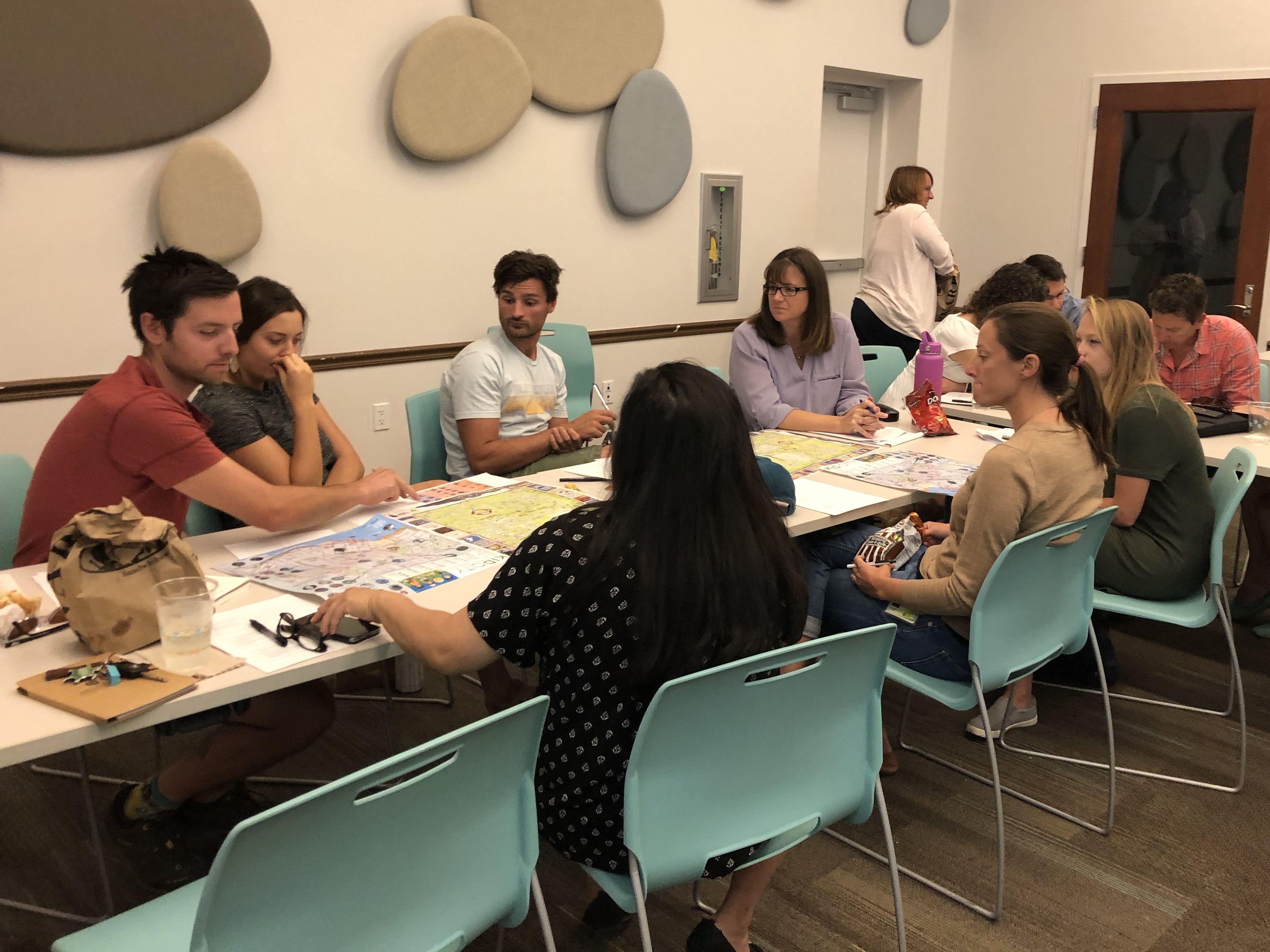 |
Brainstorm Your Potential Partners
- Again, go to the Your Templates folder on Google Drive and ensure that you have saved a copy of all of the documents within to your own Google Drive folder.
- Once you have, open the document entitled CFC Map Partner Brainstorm.
- Begin to fill in this brainstorming table with potential partners from your community. We have included helpful categories that guided us in developing our partnerships.
- Once you have generated a brainstorm and begin to reach out to potential partners, you can use the CFC Map Planning Spreadsheet to keep your partner contact information in one spot.

Add a CFC Map Planning Spreadsheet to Your Guiding Documents
- Again, go to the Your Templates folder on Google Drive and ensure that you have saved a copy of all of the documents within to your own Google Drive folder.
- Once you have, open the document entitled 1.9b CFC Map Planning Spreadsheet.
- Make sure you are on the tab of the spreadsheet entitled Potential CFC Map Partners.
- Begin to fill in this spreadsheet tab with potential partners from your community based on your brainstorm and who you have contacted.
- As a reminder, we have included examples/instructions for how to make this document relevant for your city in yellow. We advise that you delete the yellow highlighted information as you personalize the document.
- Congratulations! You have just begun work on your CFC Map Planning Spreadsheet!