Stage 11.10PageCreate
Identify Potential Map Designers
Laying the Groundwork · Identify Map Designer/s
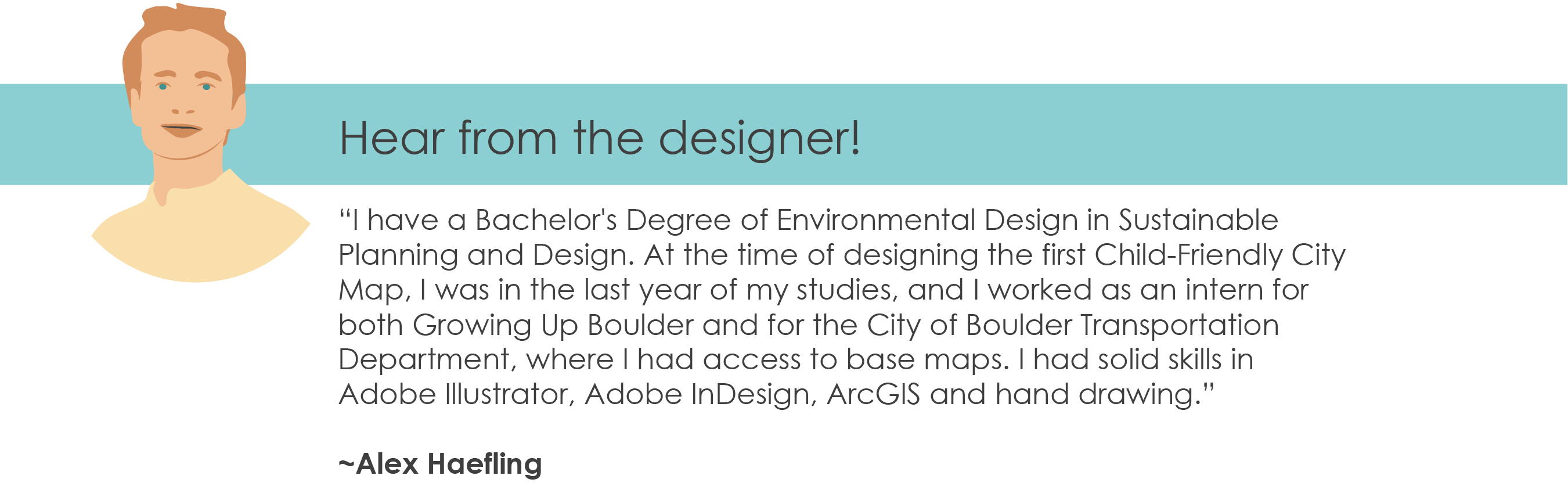
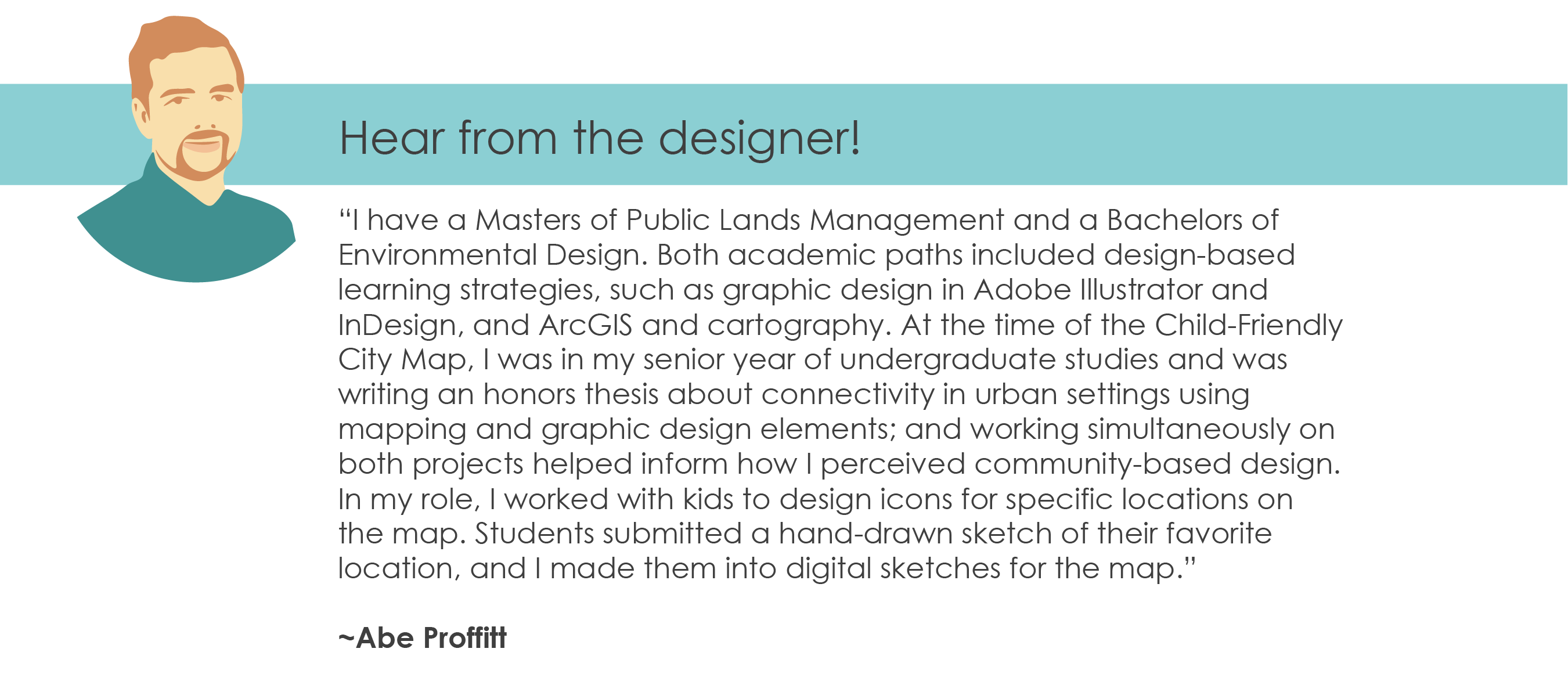
Map designers play a key role in the development of a child-friendly city map. They create base maps, usually using Geographic Information System (GIS) mapping software, then layer artistic elements on top of the maps to create a cohesive whole. Growing Up Boulder partnered with Alex Haefling and Abraham Proffitt, two undergraduate Environmental Design seniors to create its child-friendly city map. One student was distinctly a map designer (Alex) and the other was an illustrator (Abe). Thanks to the combination of their educational training in GIS, their artistic skills and their overall design abilities they created a beautiful and user-friendly product. They even won an award for the best Environmental Design Project from their department!
If you are working with a small budget, it can be mutually beneficial to work with university students who are looking for meaningful projects to build out their portfolios or university professors who use civic and project-based learning in their classes. You may also reach out to architectural firms who would be willing to partner with you on this community project as an in-kind donation.
Brainstorm Your Potential Designers
- Again, go to the Your Templates folder on Google Drive and ensure that you have saved a copy of all of the documents within to your own Google Drive folder.
- Once you have, open the document entitled CFC Map Designer Brainstorm.
- Begin to fill in this brainstorming table with potential designers. We have included helpful categories that guided us in finding our designers.
- Once you have generated a brainstorm and begin to reach out to potential designers, you can use the CFC Map Planning Spreadsheet to keep their contact information in one spot.

Add to Your Map Planning Spreadsheet in Your Guiding Documents
- Again, go to the Your Templates folder on Google Drive and ensure that you have saved a copy of all of the documents within to your own Google Drive folder.
- Once you have, open the document entitled CFC Map Planning Spreadsheet.
- Make sure you are on the tab entitled Potential CFC Map Designers.
- Begin to fill in this spreadsheet tab with potential designers from your community. We have included helpful categories that guided us in organizing potential designers.
- Congratulations! You are continuing to fill out your CFC Map Planning Spreadsheet!
 Important Note on Map Designer Selection and Timing
As indicated above, the selection of a map designer (or designers) is a VERY important step in your map making process. They will fulfill a critical role and be part of your team meetings. As soon as you secure a map designer, you will begin having regular meetings with them to provide the context of the map project and then, when you have them, and share the data you collect from partner youth groups (Stage 3). At the beginning of your search, we recommend adding a weekly calendar reminder to interview potential map designers regularly until you find someone who feels like a good fit. Questions you might ask yourself to determine if you have found the right fit include:
- Is this person aligned with the mission of the CFC map?
- Do they respect the ideas and contributions of children and youth?
- Is this person capable of completing this project in a timely manner?
- If they charge a fee, is their fee within the budget of this project?
- Do they represent a diverse perspective in our community?
- Do we work well together?